 Squeaky
The fastest mute button in the world is still too slow.
Squeaky listens to your own videos and songs, finds the words you don’t want in your house, and hands back a clean copy. On your PC. Nothing uploaded, nothing streamed, original untouched. Your first 3 files are free.
For Windows · Works offline · 3 free files, no card
You already have a system. It’s just a bad one.
Every parent who has ever pressed play on something has one of these three.
The Lunge
You dive for the remote. You are four-tenths of a second late. Everyone heard it. Your four-year-old now has a favourite new word and excellent recall.
The Hover
You hold the remote at the ready for ninety minutes like a bomb-disposal technician. You have not enjoyed a single frame of anything.
The Ban
You just don’t play it. The birthday video with Grandpa in it. The song everyone in the car likes. All over one word at 4:12.
There is a fourth option, and it does not involve your reflexes.
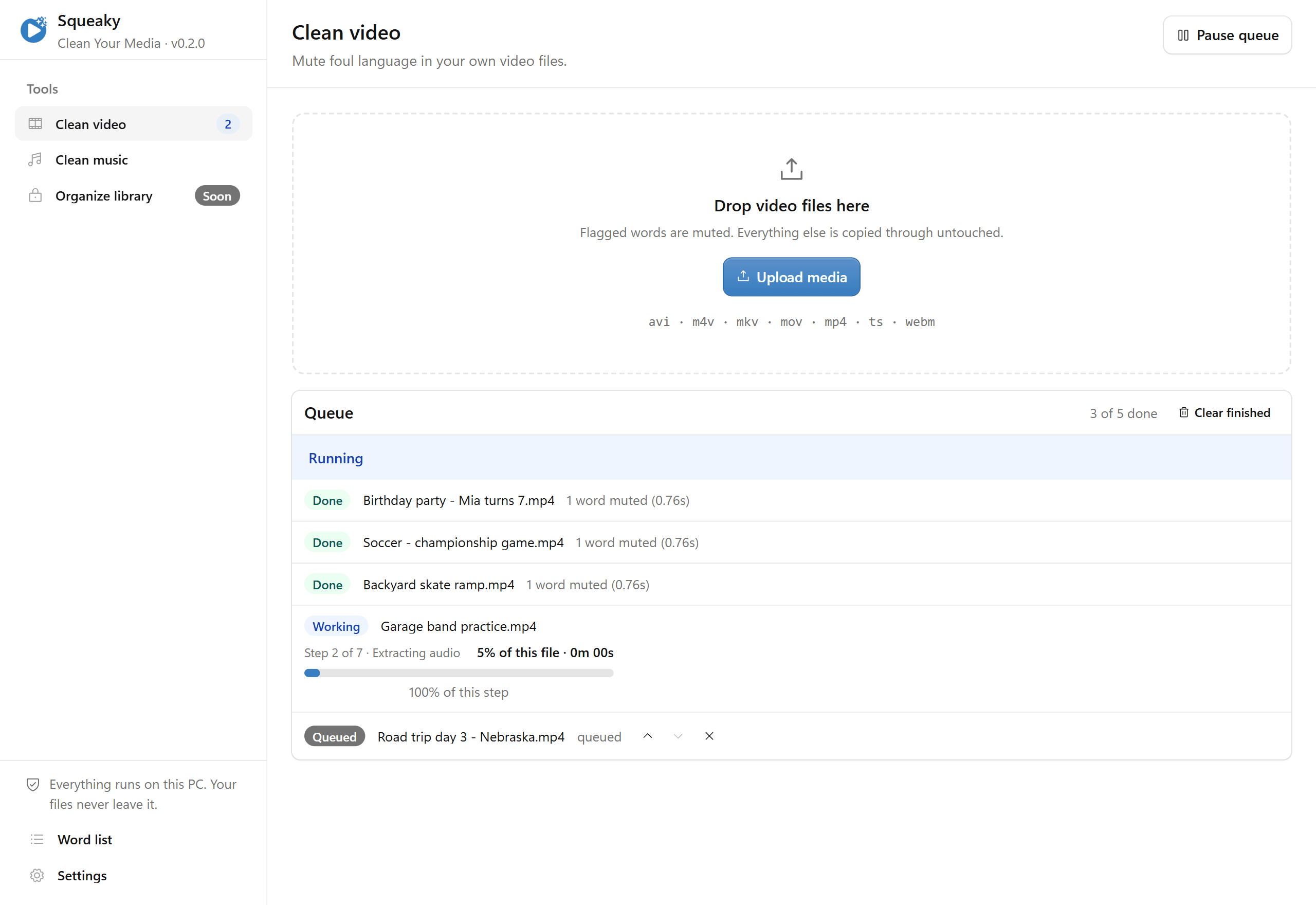
Drop it in. Walk away. It’s clean.
Three steps, and one of them is “go do something else”.
- 1
Drop a file in
Drag a video or a song onto Squeaky, or queue up the whole camera roll. It takes mp4, mkv, mov, mp3, m4a and most of their relatives.
- 2
Go do something else
Squeaky listens to the audio on your own PC and mutes exactly the words on your list. It works through the queue in the background and tells you when each one lands.
- 3
Keep the clean copy
A clean copy appears next to the original. The original is never changed, moved or renamed — so if you hate what it did, you have lost nothing but some electricity.
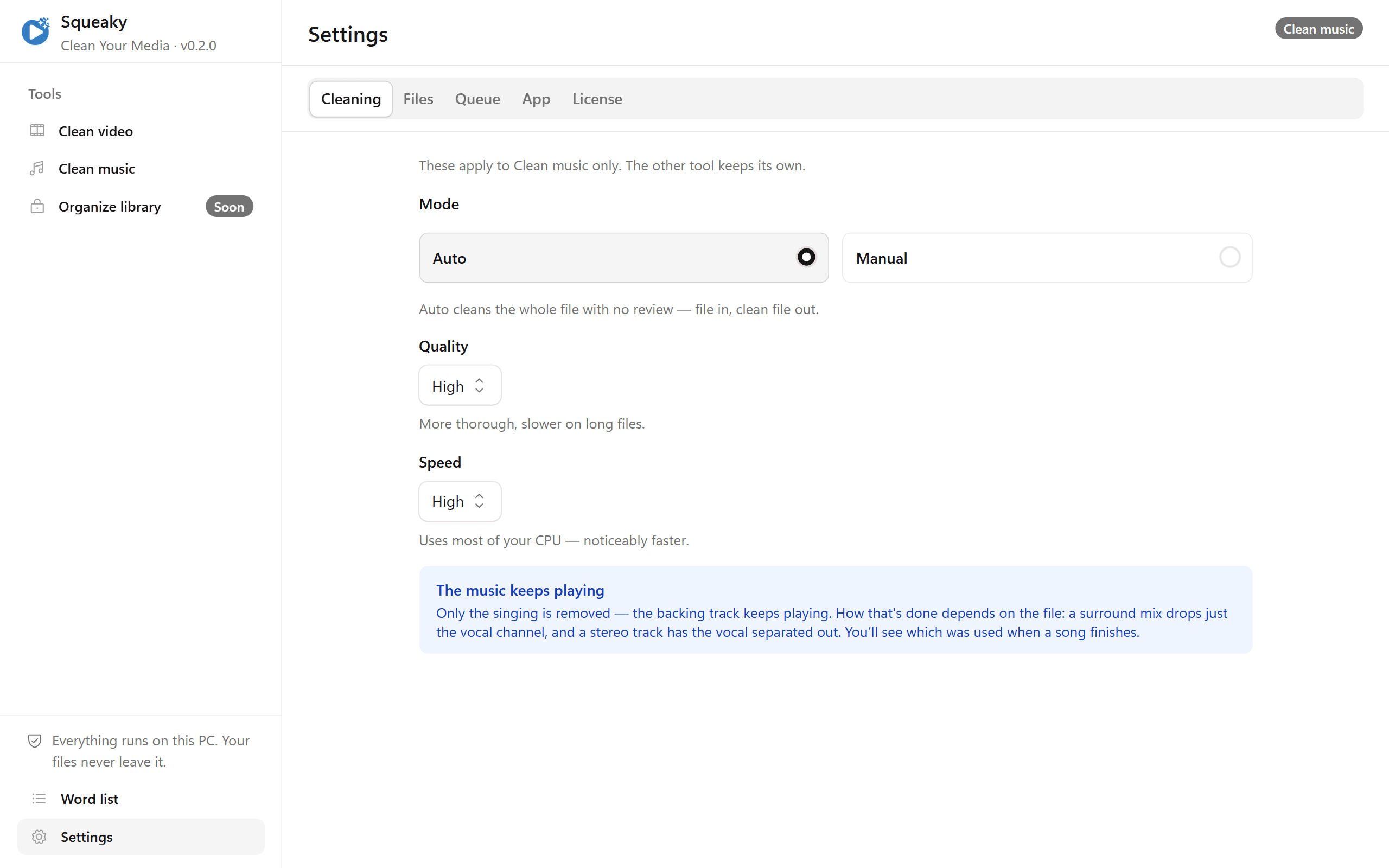
Songs, without the hole where the song was.
Silencing half a second of a track takes the drums and the bass with it. Everyone in the car knows exactly what just got cut, which rather defeats the purpose.
So Squeaky takes out the voice for that one word and leaves the music playing. A surround mix loses only the vocal channel. A stereo track gets the vocal separated out and dropped. It picks the best method the file can actually support, and tells you which one it used when the song finishes.
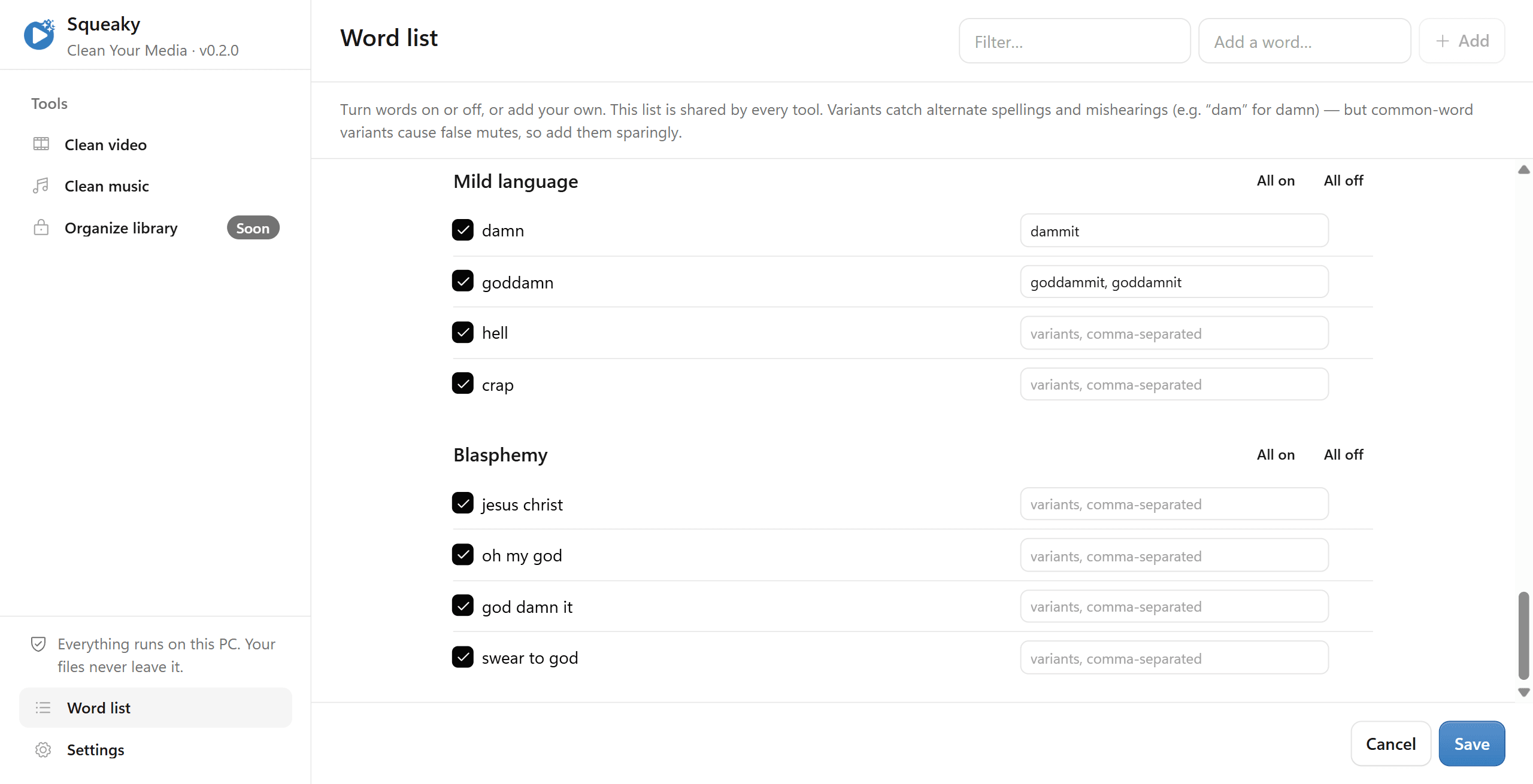
Your house, your list.
We are not going to tell you where your line is. “Damn” is fine in some homes and absolutely not in others, and both of those houses are none of our business.
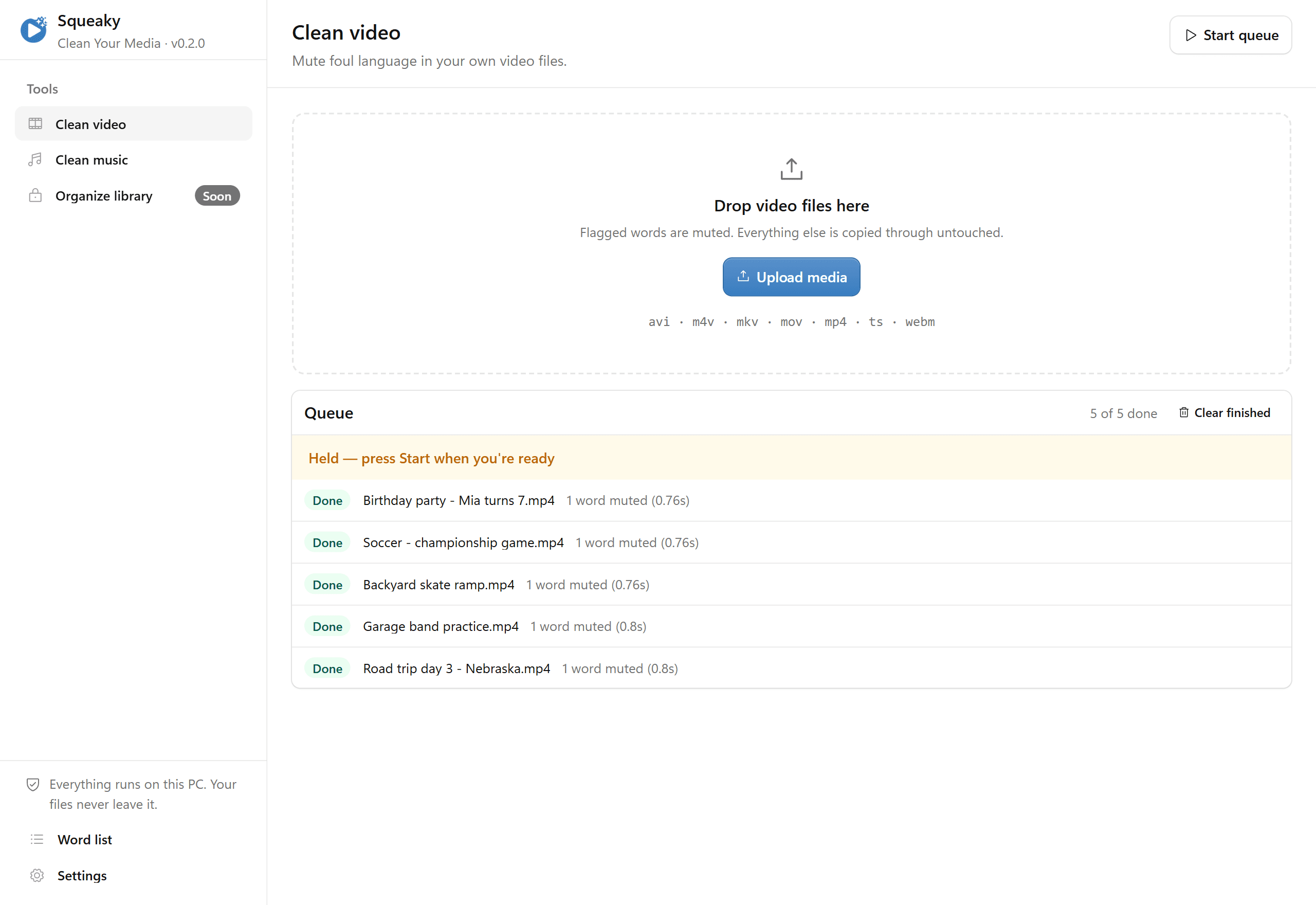
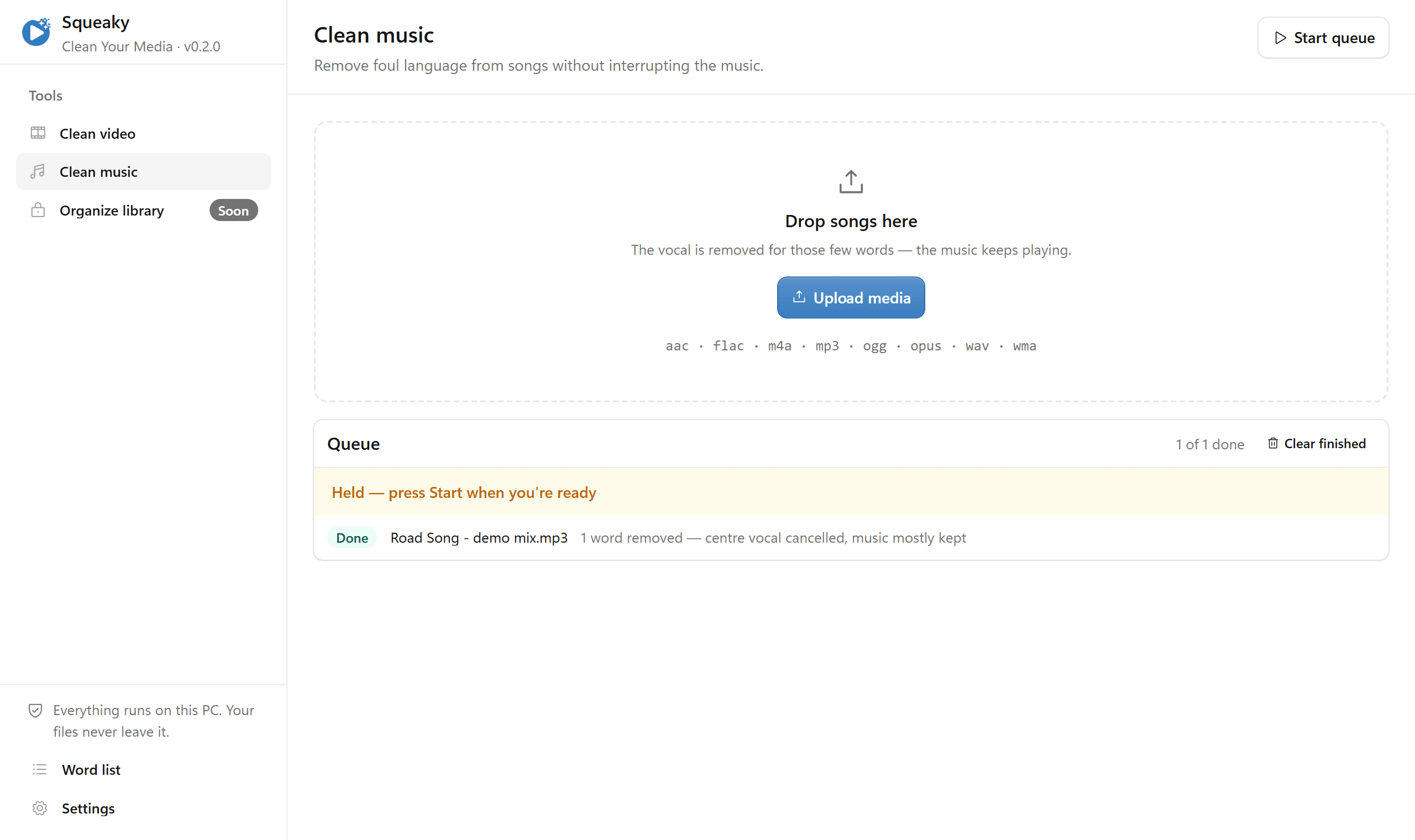
So every word is a checkbox. Categories for mild language and blasphemy you can switch off whole. Room to add words we never thought of. Silence, a soft dip, or a beep, whichever your family finds less annoying. Set it once and forget it exists.
This part, we’re not joking about.
These are your kids’ birthday parties. They stay on your hard drive.
Nothing is uploaded
Transcription and cleaning both run on your own PC. Pull the network cable and Squeaky carries on working. There is no server to send your home videos to, because we never built one.
Nothing is shared
No accounts, no library sync, no “people who cleaned this also cleaned”. Squeaky reads a file you already have and writes a copy next to it. That is the entire feature list.
Nothing is destroyed
Your original is never modified, moved or renamed. Copy-protected files are refused outright rather than cracked open — we are a mute button, not a crowbar.
The one thing that does leave your PC: your license key, checked against cleanyourmedia.com when you activate and roughly weekly after. Never a filename, never a frame, never a word of audio.
Cheaper than the remote you’re about to throw.
Clean 3 files free before you decide anything. Both plans unlock every tool in Squeaky, including the ones we haven’t shipped yet.
Checkout is handled by Stripe. Ask within 14 days for a full refund and you’ll get one.
Reasonable questions
- Does my video get uploaded anywhere?
- No. Squeaky transcribes and cleans everything on your own computer, and works fine with the Wi-Fi off. The one exception is the license check: your key goes to cleanyourmedia.com when you activate and about once a week after, with your PC’s name and an anonymous machine code on activation. Nothing about your files — not the names, not the audio, not a single frame — is ever sent anywhere.
- What does it actually change?
- The audio, for the length of a flagged word, and nothing else. The video is copied through untouched. The original file is never modified, so the worst case is a clean copy you delete.
- What files does it work with?
- Video: mp4, mkv, mov, avi, m4v, webm, ts. Audio: mp3, m4a, aac, flac, wav, ogg, opus, wma. Files with copy protection (DRM) can’t be opened, and Squeaky says so plainly instead of failing in some mysterious way.
- How long does it take?
- Depends on your PC and the length of the file. It works in the background and notifies you as each file finishes, so the honest answer is “queue it up and go do the dishes”.
- Can I choose which words get muted?
- Yes, and you should. It works out of the box, but every word is a checkbox: turn things on, turn things off, add your own, and pick silence, a soft dip or a beep. Mild language and blasphemy are their own categories, so you can draw the line where your family actually draws it.
- What happens after the free files?
- Your first 3 cleaned files are free. After that, buy annual or lifetime, paste the key into Squeaky once, and you’re done. Files that fail or that you cancel don’t count against you.
- What if I hate it?
- Ask for a refund within 14 days and you get it. No form, no exit survey, no “what could we have done better”.
- I bought it — where’s my license key?
- On the screen right after checkout, and in your email. Sign in at “Your license” with it to see your plan, manage billing, or move it to a different PC. One key covers one PC at a time.
Put the remote down.
Squeaky is free to install and gives you 3 free files to test it on your own stuff. Buy a license whenever you’re convinced — from inside the app, or right here.